HEIC to JPG
Drop images here
Paste images with Ctrl / ⌘ + VUp to 20 images · 30MB per fileTransparency becomes white · Only the first frame of animations is saved
Your files stay in your browser.
An actual HEIC-to-JPG conversion
The source is libheif’s 451 × 461 color test image. Download the HEIC and its JPG and PNG outputs to compare file sizes and color boundaries before using your own photos.
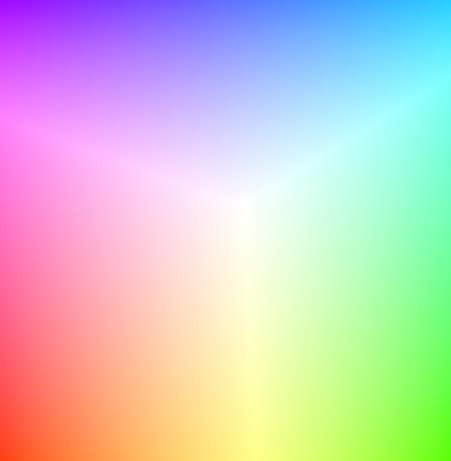
451 × 461 · 1 frames
Original

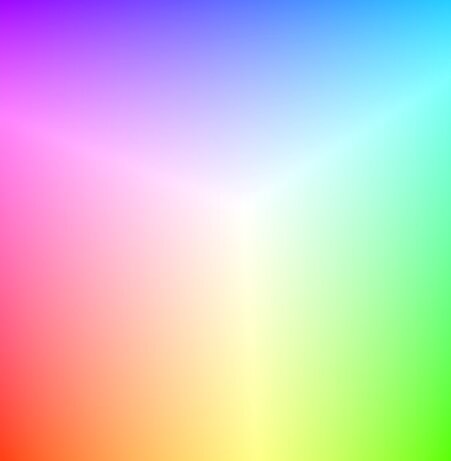
451 × 461 · 1 frames
Download file
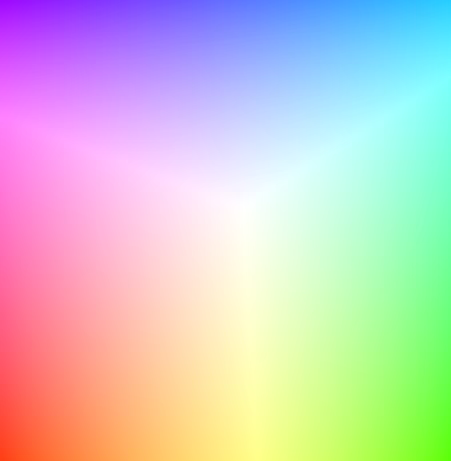
451 × 461 · 1 frames
Download file
JPG works with many upload forms but uses lossy compression. PNG stores the decoded pixels losslessly and may be larger. Both outputs keep pixel dimensions; original EXIF, location and camera metadata are removed.
If an iPhone photo fails to open, check that it has fully downloaded. This tool does not preserve a Live Photo’s separate MOV video, the original HDR display brightness or depth information. Keep your archival original and use a converted copy for uploads.
These files were made with the same conversion engine as this site. JPG and WebP use quality 85; PNG is lossless. Sizes are measured from these files and do not predict compression for other images.
HEIC source: the public libheif test image. Its preview is decoded to PNG. libheif · Source and license

How to convert iPhone HEIC photos to JPG
Convert iPhone HEIC and HEIF photos to JPG for free. Process up to 20 photos at once and download a ZIP. No signup or installation; your photos stay in your browser.
- Select the HEIC or HEIF photos copied from your iPhone. You can select up to 20 at once.
- JPG is already selected. Adjust quality, then convert. JPEG is the same image format with a different file extension.
- Save each photo or download all results as a ZIP. Save your results before closing the tab.
Why convert HEIC to JPG?
Use JPG when a website or application cannot open your iPhone photos. It is a practical option for upload forms that accept JPG but reject HEIC.
Are quality and camera metadata preserved?
Pixel dimensions are preserved, but JPG uses lossy compression. Higher quality usually produces a larger file, not an identical copy of the original. Orientation is corrected and a color profile is applied; original metadata such as EXIF is removed.
Does this convert Live Photos to video?
It converts the still image in a HEIC file. It does not turn the separate Live Photo video or multiple HEIF images into an animation.